Understanding Your Home Networking Needs
Before diving into the setup of your home network, it's crucial to assess your specific needs. This initial step forms the backbone of a robust network that caters to all members of your household. Start by asking yourself key questions: How many devices will connect to the network? What type of online activities will they engage in (e.g., gaming, streaming, remote work)? Understanding these factors will guide your decisions on bandwidth requirements and hardware selection.
For example, a typical household might have several smartphones, a couple of laptops, a smart TV, and potentially some IoT devices like smart thermostats or speakers. Each of these will demand varying levels of bandwidth and reliability. Notably, streaming and gaming are more bandwidth-intensive than browsing or emailing.
Selecting the Right Hardware
Once you have assessed your needs, the next step is selecting the appropriate hardware. A modern home network generally consists of a router and may include additional access points or extenders to cover larger areas. When choosing a router, consider one that supports dual-band or tri-band frequencies to handle multiple devices efficiently.
- Router Selection: Look for routers that support the latest Wi-Fi standards like Wi-Fi 6 or 6E, which offer improved speed and connectivity. These routers also come with advanced features such as MU-MIMO technology that allows simultaneous data streams to multiple devices.
- Mesh Networking: If your home has dead zones or if coverage is inconsistent, consider a mesh networking system. Mesh networks provide seamless coverage by using multiple nodes placed around your home.
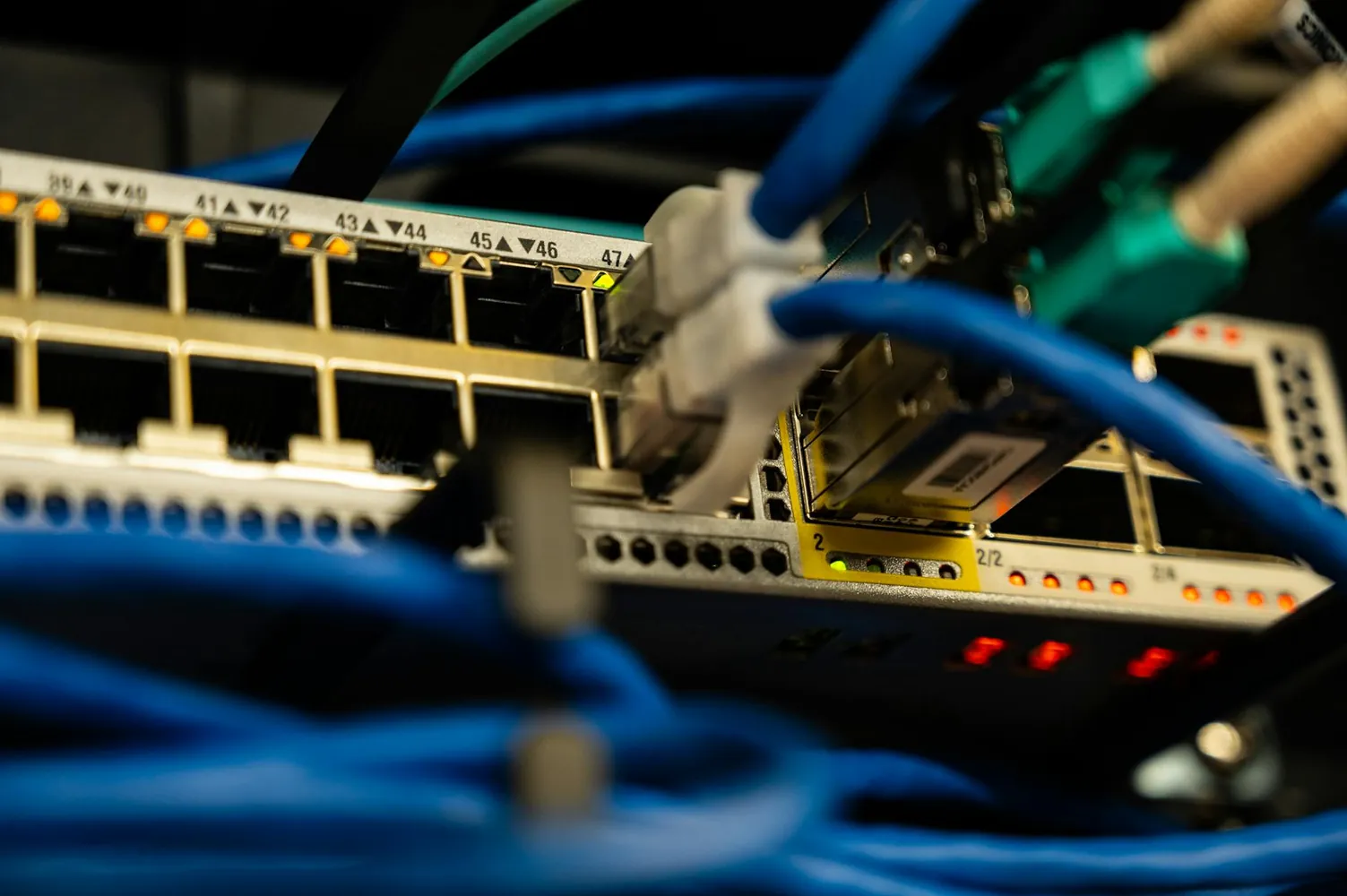
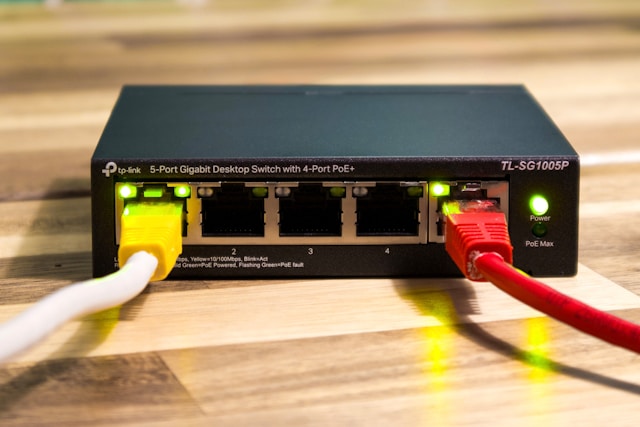
- Network Switches: For homes with extensive wired connections, adding a network switch can facilitate better connectivity among devices like gaming consoles, desktop PCs, and network-attached storage (NAS) devices.
Bandwidth Management
With increasing numbers of connected devices, effective bandwidth management becomes essential. Bandwidth management ensures that all devices get their fair share of resources without interrupting each other’s activities. Utilize Quality of Service (QoS) settings available in most routers to prioritize traffic based on device or application need.
For instance, if you’re working from home while others are streaming videos, setting QoS rules can prioritize video calls over Netflix streams. This way, your work remains uninterrupted even during peak usage times.
Device Prioritization
Using QoS not only helps with bandwidth but also with device prioritization. In a household where multiple people use the network for various tasks, you might want certain devices to have priority over others. For example, you might prioritize your work laptop over other devices during office hours to ensure smooth operation of business-critical applications.
Security Measures
A secure home network protects against unauthorized access and cyber threats. As more smart devices become part of our daily lives, securing your network is paramount.
- Secure Router Settings: Change the default login credentials for your router immediately after installation. Use complex passwords combining letters, numbers, and symbols.
- Encryption: Ensure that your Wi-Fi network uses WPA3 encryption, the latest standard providing stronger security than its predecessors.
- Guest Networks: Set up a guest Wi-Fi network to isolate smart home devices from your primary devices. This separation prevents unauthorized access in case an IoT device is compromised.
An often-overlooked security measure is regularly updating your router's firmware. Manufacturers release updates to fix vulnerabilities; therefore, keeping firmware up-to-date mitigates potential security risks.
Optimizing Configurations
The final step in establishing an efficient home network is optimizing configurations based on your specific needs and the capabilities of your hardware. This may include channel selection for wireless networks to minimize interference from neighboring Wi-Fi signals.
Regular Performance Monitoring
Once configured, continuously monitor network performance. Tools like network analyzers can provide insights into traffic patterns and potential bottlenecks. Some routers come equipped with built-in tools that offer real-time analytics of device activity and data usage.
If you notice frequent slowdowns or connectivity issues, analyze the data to determine whether a specific device or application is consuming excess bandwidth. Adjust settings accordingly to distribute resources more effectively.
Conclusion
Setting up a secure and efficient home network requires thoughtful planning and implementation. By assessing your household's needs, selecting the appropriate hardware, managing bandwidth effectively, prioritizing devices wisely, ensuring stringent security measures, and optimizing configurations, you can create a robust home network that meets the demands of modern living.