Understanding the Core Differences
The choice between wired and wireless networks often comes down to a set of trade-offs between speed, reliability, convenience, and mobility. Each type of network has its unique characteristics that cater to different needs and applications.
Wired Networks: The Backbone of Stability
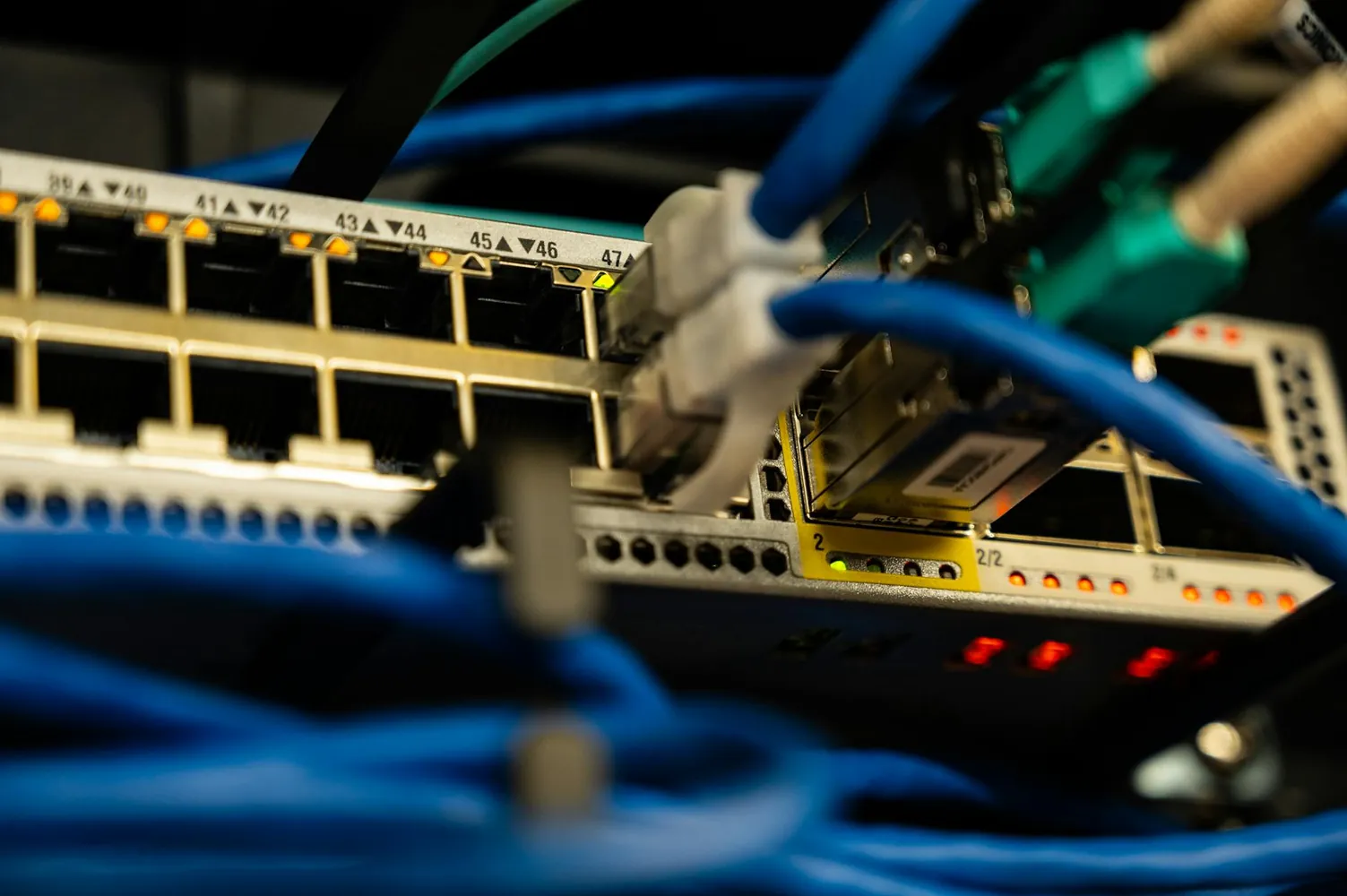
Wired networks use physical cables to connect devices, offering high-speed and stable connections. The most common types of wired connections are Ethernet cables. These are typically used in settings where performance is crucial, such as data centers or offices handling large volumes of traffic.
- Speed: Wired networks can deliver fast data transfer rates, often exceeding 1 Gbps, making them suitable for streaming high-definition videos or online gaming.
- Reliability: Since they are not affected by interference or signal obstructions, wired networks provide a more reliable connection than wireless options.
- Security: Physical connections are inherently more secure, as access requires physical intrusion into the network.
However, the downside of wired networks includes limited mobility, as devices must remain physically connected, and potentially higher costs due to cabling infrastructure.
Wireless Networks: The Era of Mobility
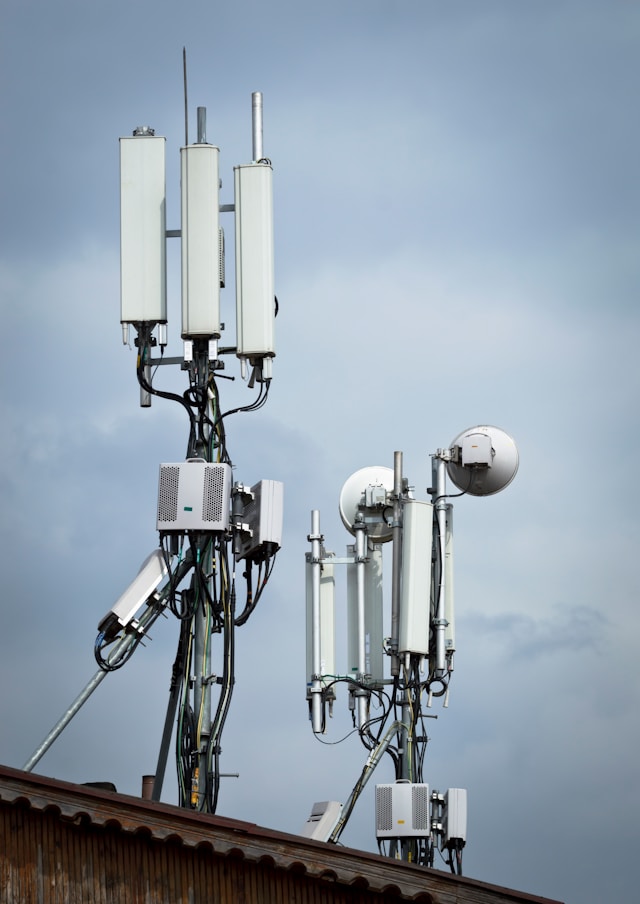
Wireless networks, such as Wi-Fi, have gained popularity due to their convenience. They allow users to connect multiple devices without the need for cables, thus offering greater flexibility.
- Mobility: Users can connect to the internet from virtually anywhere within range of a wireless router, making it ideal for homes and public spaces like coffee shops.
- Ease of Installation: Setting up a wireless network can be quicker and less cumbersome since there's no need for extensive cabling.
Despite these advantages, wireless networks may face issues such as interference from other electronic devices and physical barriers that can weaken signals. They also tend to have slower data speeds compared to their wired counterparts.
Concrete Examples and Use Cases
Choosing the Right Network for Homes
For most households, a wireless network provides sufficient convenience and speed for everyday activities like browsing, streaming music, and watching videos. However, for tasks requiring higher bandwidth or low latency—such as competitive online gaming or video conferencing—a hybrid approach could be beneficial. One might opt for a wired connection for gaming consoles or desktop PCs and use wireless for mobile devices and tablets.
Office Environments: Performance versus Flexibility
In an office setting, the decision can be more nuanced. An organization focused on data security and stability might prefer a wired setup for its core operations while providing Wi-Fi for guest access and employee mobility. A tiered network plan could segment sensitive business operations on a wired network while allowing creative teams the flexibility of wireless connectivity for collaborative tasks.
Implementing a Network: Practical Tips
Setting Up a Hybrid Network
A hybrid network can provide the best of both worlds, balancing speed and mobility. Here's how you can implement one:
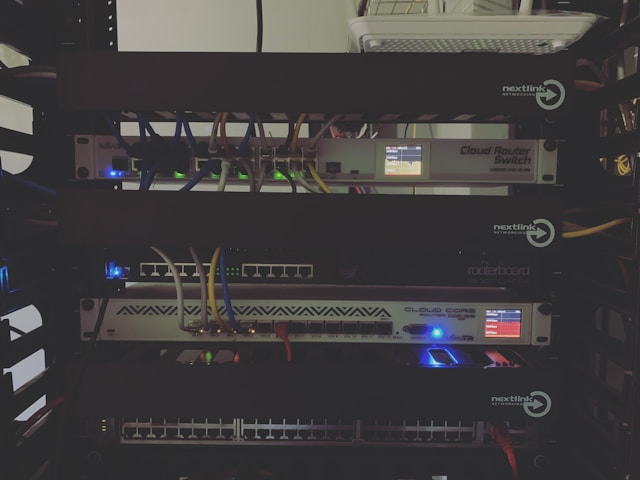
- Cable Management: Use structured cabling techniques to organize Ethernet cables efficiently, reducing clutter and improving maintenance access.
- Router Placement: For optimal wireless coverage, place routers centrally in the home or office, away from walls or metal objects that could interfere with signal strength.
- Network Segmentation: Create VLANs (Virtual Local Area Networks) to separate different types of traffic (e.g., guest Wi-Fi vs. internal network) for enhanced security and performance management.
The Future of Networking: Trends and Predictions
The evolution of networking technologies suggests an increasing integration between wired and wireless systems. The rise of IoT (Internet of Things) devices continues to drive demand for flexible network solutions that offer both robust performance and expansive coverage.
5G technology promises even faster wireless speeds, potentially blurring the lines further between traditional distinctions of wired and wireless networks. Smart networking equipment capable of dynamically allocating resources based on real-time demand will likely become commonplace, optimizing user experience across various scenarios.
A Mini-Framework for Decision Making
Here's a simple decision-making framework for selecting between wired and wireless networks:
- Assess Your Needs: Determine the primary usage requirements—speed, mobility, security.
- Evaluate the Environment: Consider physical constraints and potential interference sources in your area.
- Consider Future Growth: Plan for scalability; opt for technologies that support easy upgrades or expansion.
This framework allows individuals and businesses alike to make informed decisions tailored to their specific networking needs. By understanding the core advantages and limitations of each option, users can design hybrid solutions that leverage both wired reliability and wireless flexibility.