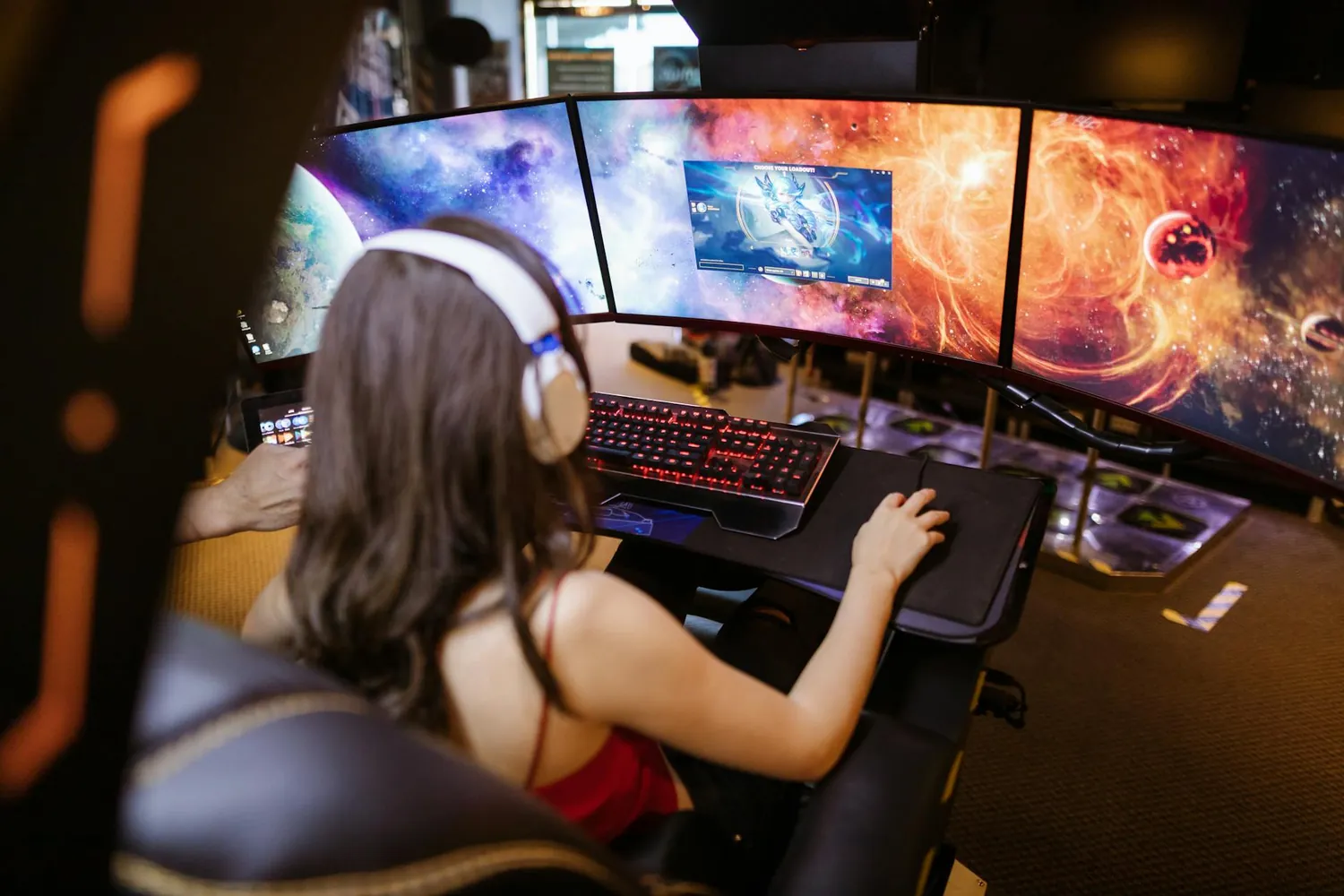
The Evolution of 4K Monitors in Gaming
In the fast-paced world of gaming technology, display
advancements can make or break your gaming experience. With
the introduction of 4K monitors, gamers have been promised
exceptional clarity, vibrant colors, and immersive
experiences. However, choosing the right 4K monitor involves
more than just picking the highest resolution. Understanding
performance metrics like refresh rate, color accuracy, and
pricing is essential.
Let’s delve into some recent 4K gaming monitors, examining
their key features and what they offer to enhance your gaming
sessions.
Performance Considerations
Refresh Rates: The Need for Speed
Refresh rate is crucial for competitive gaming where every
millisecond counts. Most 4K monitors range from 60Hz to 144Hz,
with higher refresh rates offering smoother gameplay. For
instance, the LG UltraGear 27GN950 stands out
with a 144Hz refresh rate, ensuring that fast-paced action is
fluid and responsive.
-
60Hz: Standard for non-competitive gaming but might
struggle with rapid motion. -
120Hz – 144Hz: Ideal for competitive settings
providing enhanced smoothness.
Color Accuracy: Bringing Games to Life
Another critical aspect is color accuracy. A monitor with
excellent color reproduction provides a more lifelike visual
experience. The Asus ROG Swift PG32UQX,
equipped with Quantum Dot technology, delivers superior color
accuracy with its DCI-P3 color space coverage, making it
perfect for gamers who also engage in content creation.
Pricing and Value
While top-tier features can elevate your gaming experience,
they often come at a premium. Understanding your budget
constraints and needs is vital.
Budget-Friendly Options
If you’re looking to upgrade without breaking the bank,
consider monitors like the
Acer Predator XB273K. Priced around $699, it
offers a great balance between performance and affordability
with its 120Hz refresh rate and G-Sync support.
Mid-Range Solutions
For those willing to invest a bit more, the
Dell Alienware AW3821DW priced at
approximately $1,299 presents a mid-range option with a
stunning curved display and a 144Hz refresh rate, offering
great value for both performance and design aesthetics.
High-End Marvels
On the high end, there’s the aforementioned
Asus ROG Swift PG32UQX, costing upwards of
$2,999. Its HDR 1400 certification and mini-LED technology set
new standards for visual fidelity, albeit at a price that
reflects its premium nature.
Selecting the Right Monitor
Selecting the perfect 4K monitor depends on personal
preferences and use cases. Here are some practical tips to
guide your decision:
-
Understand Your Use Case: Are you playing
competitive esports or indulging in AAA single-player
titles? This will affect your choice in terms of refresh
rates and size. -
Consider Future-Proofing: Investing
slightly more now can save costs in the long run if you plan
on keeping your hardware for years. -
Test In-Store: Whenever possible, test
monitors in-store to see them in action. Display conditions
can significantly differ from online reviews and photos.
A Mini-Framework for Evaluating Monitors
This simple framework can help you evaluate which monitor fits
your needs best:
-
Define Your Budget: Establish your maximum
spend before diving into specifications. -
Identify Key Features: List must-have
features such as refresh rate or screen size that align with
your gaming style. -
Read Reviews and Ratings: Leverage
platforms like RTINGS or TechRadar for detailed reviews and
user feedback. -
Narrow Down Choices: Shortlist based on
budget alignment and feature list. -
Consider Warranty and Support: Ensure that
post-purchase support aligns with expectations, especially
for high-end purchases.
By employing this framework, you can methodically narrow down
choices that fit both your financial constraints and desired
specifications.
The Future of 4K Gaming Displays
The future looks promising with innovations like OLED panels,
faster refresh rates, and even higher resolutions on the
horizon. As technology evolves, so too will our criteria for
what makes a good gaming monitor. Staying informed about
industry trends and emerging technologies will keep gamers
ahead of the curve.