Understanding the Core Differences
The choice between wired and wireless networks often comes
down to a set of trade-offs between speed, reliability,
convenience, and mobility. Each type of network has its unique
characteristics that cater to different needs and
applications.
Wired Networks: The Backbone of Stability
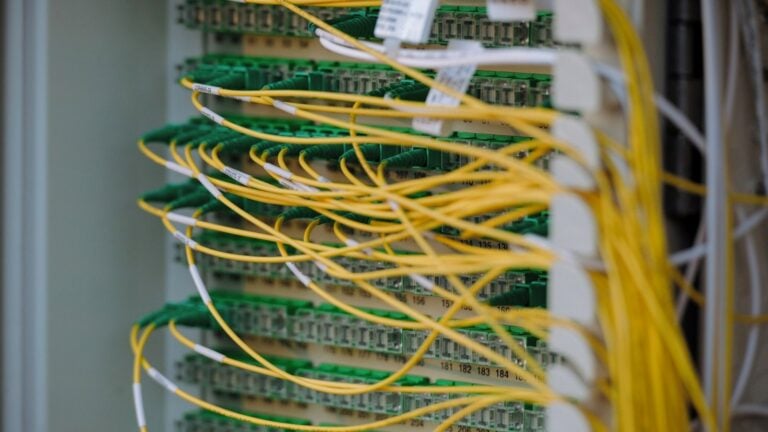
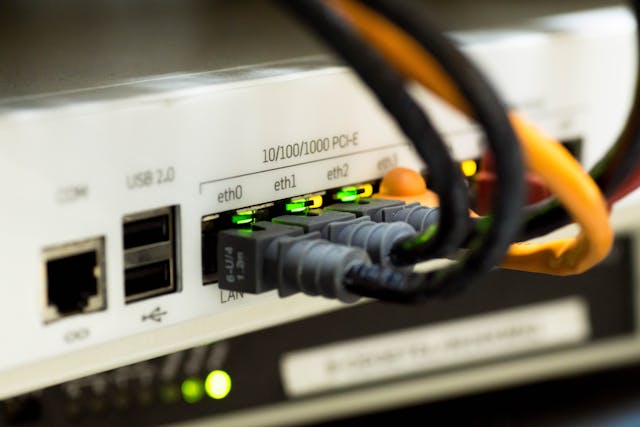
Wired networks use physical cables to connect devices,
offering high-speed and stable connections. The most common
types of wired connections are Ethernet cables. These are
typically used in settings where performance is crucial, such
as data centers or offices handling large volumes of traffic.
-
Speed: Wired networks can deliver fast data
transfer rates, often exceeding 1 Gbps, making them suitable
for streaming high-definition videos or online gaming. -
Reliability: Since they are not affected by
interference or signal obstructions, wired networks provide
a more reliable connection than wireless options. -
Security: Physical connections are
inherently more secure, as access requires physical
intrusion into the network.
However, the downside of wired networks includes limited
mobility, as devices must remain physically connected, and
potentially higher costs due to cabling infrastructure.
Wireless Networks: The Era of Mobility
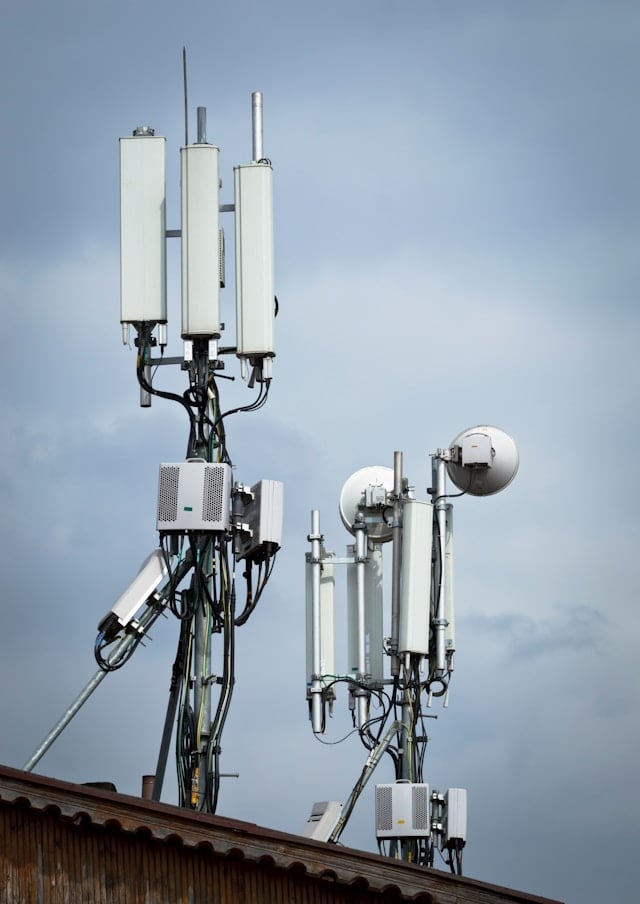
Wireless networks, such as Wi-Fi, have gained popularity due
to their convenience. They allow users to connect multiple
devices without the need for cables, thus offering greater
flexibility.
-
Mobility: Users can connect to the internet
from virtually anywhere within range of a wireless router,
making it ideal for homes and public spaces like coffee
shops. -
Ease of Installation: Setting up a wireless
network can be quicker and less cumbersome since there’s no
need for extensive cabling.
Despite these advantages, wireless networks may face issues
such as interference from other electronic devices and
physical barriers that can weaken signals. They also tend to
have slower data speeds compared to their wired counterparts.
Concrete Examples and Use Cases
Choosing the Right Network for Homes
For most households, a wireless network provides sufficient
convenience and speed for everyday activities like browsing,
streaming music, and watching videos. However, for tasks
requiring higher bandwidth or low latency—such as competitive
online gaming or video conferencing—a hybrid approach could be
beneficial. One might opt for a wired connection for gaming
consoles or desktop PCs and use wireless for mobile devices
and tablets.
Office Environments: Performance versus Flexibility
In an office setting, the decision can be more nuanced. An
organization focused on data security and stability might
prefer a wired setup for its core operations while providing
Wi-Fi for guest access and employee mobility. A tiered network
plan could segment sensitive business operations on a wired
network while allowing creative teams the flexibility of
wireless connectivity for collaborative tasks.
Implementing a Network: Practical Tips
Setting Up a Hybrid Network
A hybrid network can provide the best of both worlds,
balancing speed and mobility. Here’s how you can implement
one:
-
Cable Management: Use structured cabling
techniques to organize Ethernet cables efficiently, reducing
clutter and improving maintenance access. -
Router Placement: For optimal wireless
coverage, place routers centrally in the home or office,
away from walls or metal objects that could interfere with
signal strength. -
Network Segmentation: Create VLANs (Virtual
Local Area Networks) to separate different types of traffic
(e.g., guest Wi-Fi vs. internal network) for enhanced
security and performance management.
The Future of Networking: Trends and Predictions
The evolution of networking technologies suggests an
increasing integration between wired and wireless systems. The
rise of IoT (Internet of Things) devices continues to drive
demand for flexible network solutions that offer both robust
performance and expansive coverage.
5G technology promises even faster wireless speeds,
potentially blurring the lines further between traditional
distinctions of wired and wireless networks. Smart networking
equipment capable of dynamically allocating resources based on
real-time demand will likely become commonplace, optimizing
user experience across various scenarios.
A Mini-Framework for Decision Making
Here’s a simple decision-making framework for selecting
between wired and wireless networks:
-
Assess Your Needs: Determine the primary
usage requirements—speed, mobility, security. -
Evaluate the Environment: Consider physical
constraints and potential interference sources in your area. -
Consider Future Growth: Plan for
scalability; opt for technologies that support easy upgrades
or expansion.
This framework allows individuals and businesses alike to make
informed decisions tailored to their specific networking
needs. By understanding the core advantages and limitations of
each option, users can design hybrid solutions that leverage
both wired reliability and wireless flexibility.